- Payment will be charged to your card at confirmation of purchase.
- Your subscription will automatically renew unless you request to cancel at least 48-hours before the end of the current period.
- Your subscription will renew and your account will be charged 24-hours prior to the end of the current period.
How to cancel your subscription
-
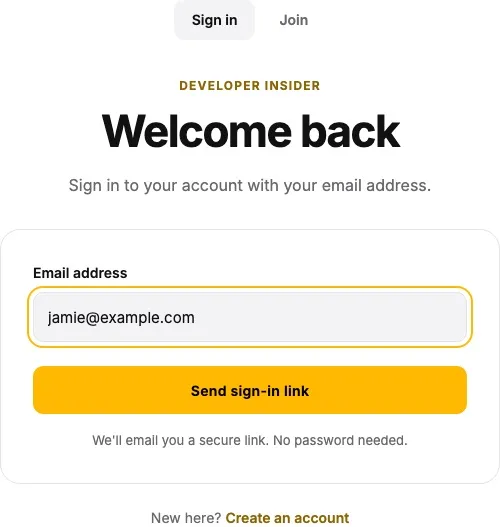
Open Sign in, enter the email address used for your subscription, and click Send sign-in link. Open the link in your email to sign in.
-
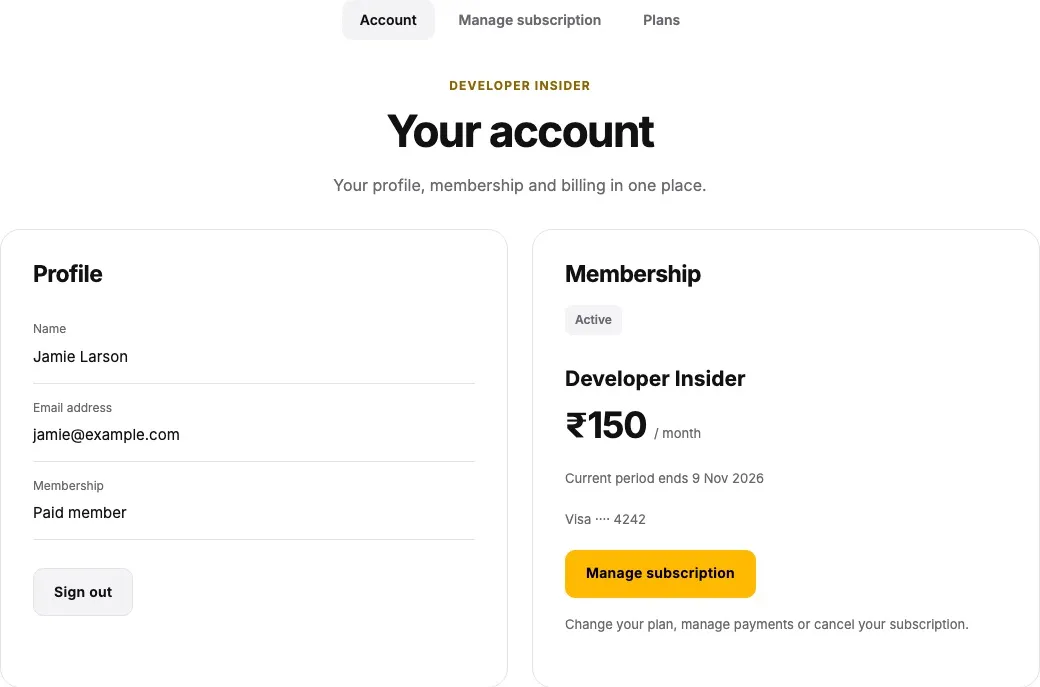
Open Your account and click Manage subscription in the Membership card.
-
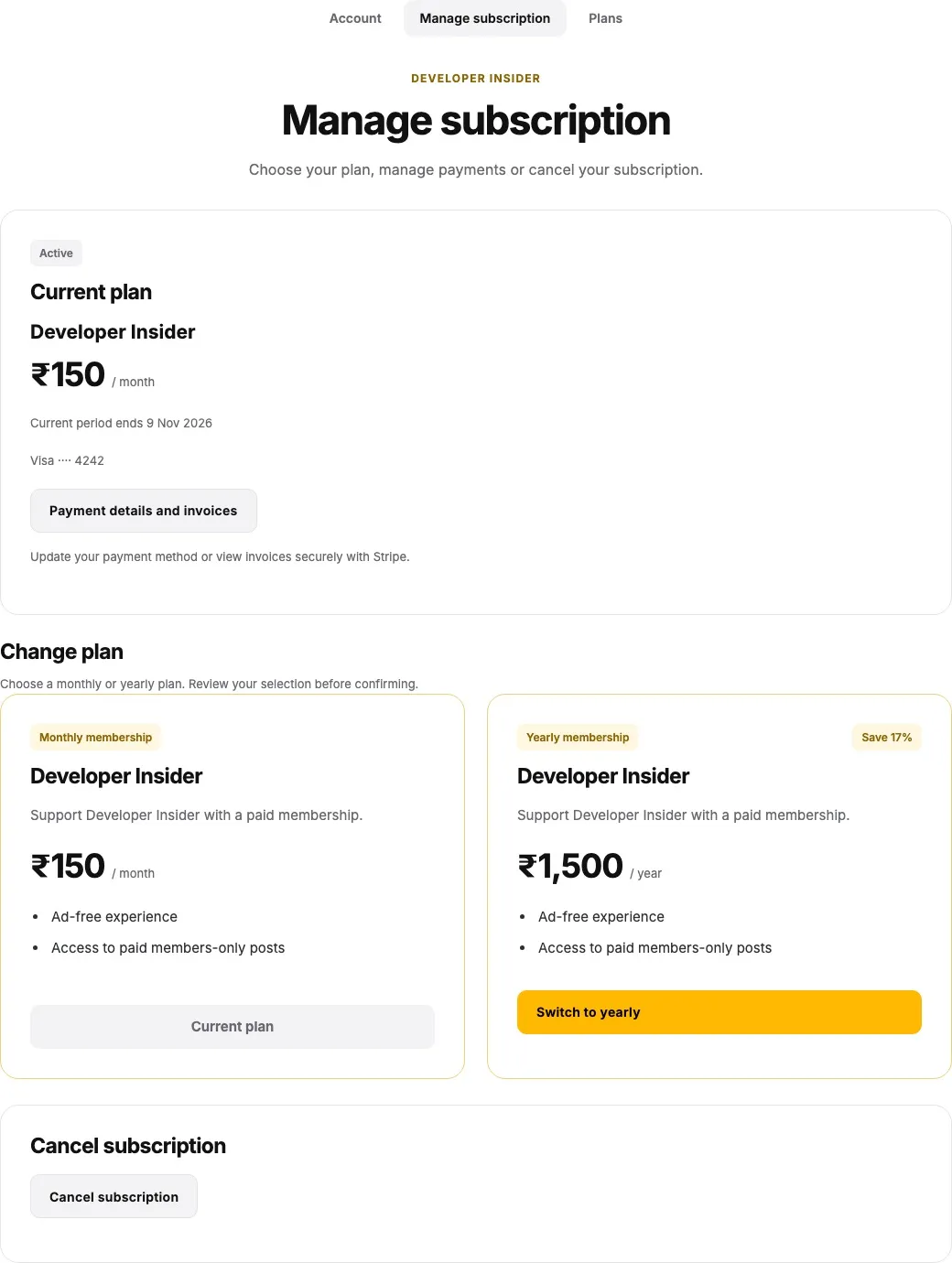
On the Manage subscription page, find your subscription and click Cancel subscription.
-
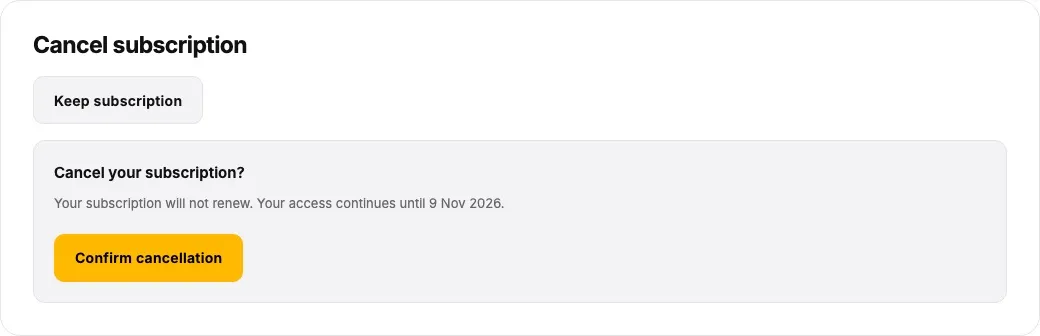
Review the cancellation details and click Confirm cancellation. To keep your subscription, choose Keep subscription instead. If an offer or another confirmation appears, follow the cancellation option until cancellation is complete.
-
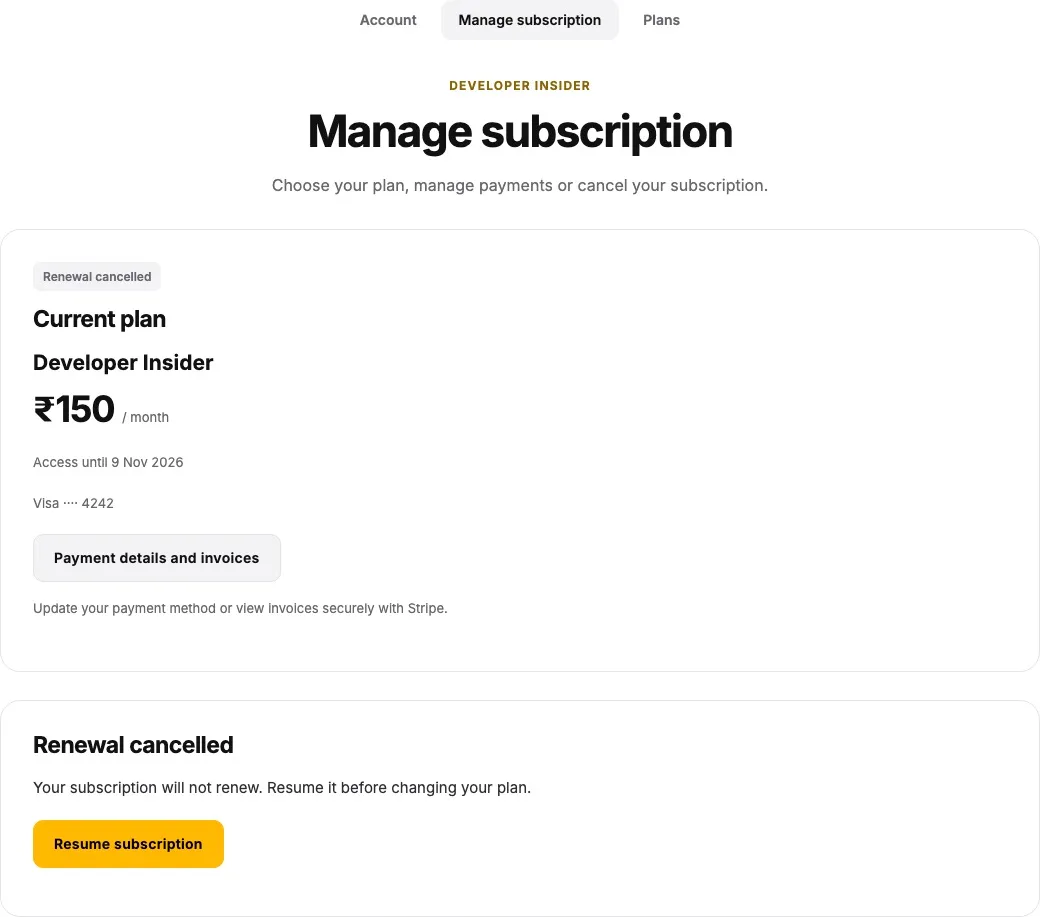
Check your subscription status after the page reloads. For cancellation at the end of the current billing period, the page shows Renewal cancelled and an Access until date. Check the status and effective date displayed for your subscription.