
How to use Simulator in full-screen mode with Xcode?

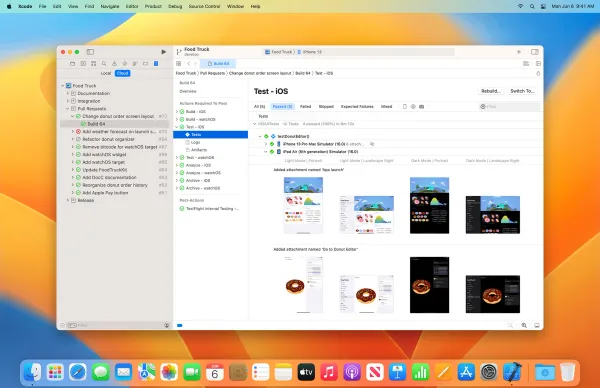
Being able to run Xcode and iOS simulator together in full screen mode is probably my favorite feature of Xcode 9. You can just execute the following command in the terminal to enable this feature:

defaults write com.apple.iphonesimulator AllowFullscreenMode -bool YES
Share this

Join

Search articles

Search titles, tags and article content.

    You've successfully subscribed to Developer Insider
    Your account is ready. Welcome to Developer Insider
    Welcome back! You've successfully signed in
    Success! Your account is fully activated, you now have access to all content.