
Download Turbo C++ for Windows 10
Install the classic Turbo C / Turbo C++ IDE, then save, compile, and run your first program. 1. Requirements Item Requirement Operating system Windows 10, 32-bit or 64-
Complete Turbo C++ Installation Guide for Windows 11
Here's a complete guide to installing Turbo C++ on Windows 11 and writing your first "Hello, World!" program. 1. Download Turbo C++ Installer Download

Generate QR Codes for Links, Text and Wi-Fi
A QR code makes a website, message or Wi-Fi network easier to share. Instead of typing a long address or reading out a password, someone can scan

Build and Understand Cron Schedules in Your Browser
Cron is useful for scheduling backups, cleanup scripts and other recurring tasks. Its compact syntax can be difficult to read, especially when a schedule combines lists, ranges or

How to Enable Persistent systemd Journal Logs on Debian
When a Debian system freezes, logs from the previous boot can help explain what happened. If the systemd journal is stored only in memory, those logs disappear after

Generate MACKEY for Your ODI SFP XPON Stick
Enter your MAC, copy the MACKEY, and paste both into the stick’s web page.
Developer ID Certificates Expire on February 1, 2027: How to Move to G2
Apple's original Developer ID Certification Authority expires on 1 February 2027. Every Developer ID certificate it issued stops working that day. If you ship a Mac

Accessing an XPON ONU SFP Stick's Web Interface through Omada Software Controller
When an XPON ONU SFP stick is plugged directly into a router, internet access can work while the ONU's management page remains unreachable. I use an
How to Sign Git Commits with an SSH Key from 1Password?
Signed git commit proves it actually came from you and gets you the "Verified" badge on GitHub, GitLab, and Bitbucket. Since Git 2.34, you can

Get Tuya Local Key Without Tuya IoT Cloud / Developer Portal
If you're using Home Assistant with LocalTuya, TuyaLocal, or another local Tuya integration, chances are you never had to manually find your device's local
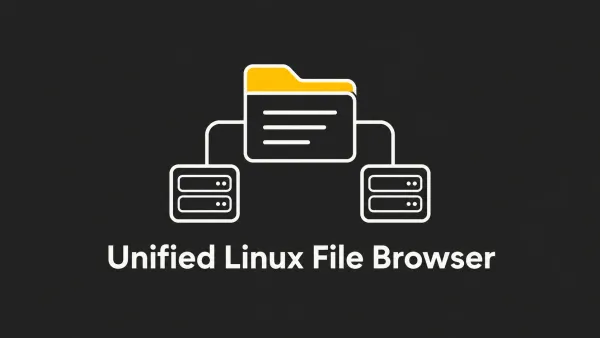
Create a Unified File Browser Across Multiple Linux Machines Using Filebrowser Quantum
Managing files across multiple Linux machines usually means SSH-ing into each machine or multiple browser tabs. What if you could see every file from every machine in
Upgrade from Debian 12 (Bookworm) to Debian 13 (Trixie)
Debian 13 "Trixie" has been stable since August 2025. If you're still running Debian 12 "Bookworm", it's a great time