Lesson 7: Supporting Different Platform Versions
While the latest versions of Android often provide great APIs for your app, you should continue to support older versions of Android until more devices get updated. This

While the latest versions of Android often provide great APIs for your app, you should continue to support older versions of Android until more devices get updated. This
Android categorizes device screens using two general properties: size and density. You should expect that your app will be installed on devices with screens that range in both
It’s always a good practice to extract UI strings from your app code and keep them in an external file. Android makes this easy with a resources
We can print "hello world" or anything else in C without using semicolon. There are various ways to do so: 1. Using if 2. Using switch
C4droid is a user-friendly (but powerful) C/C++ IDE + C/C++ compiler for Android. Basic features of C4droid: * Offline C compiler: create your own applications on Android
We can write c program without using main() function. To do so, we need to use #define preprocessor directive. The C preprocessor is a micro processor that is
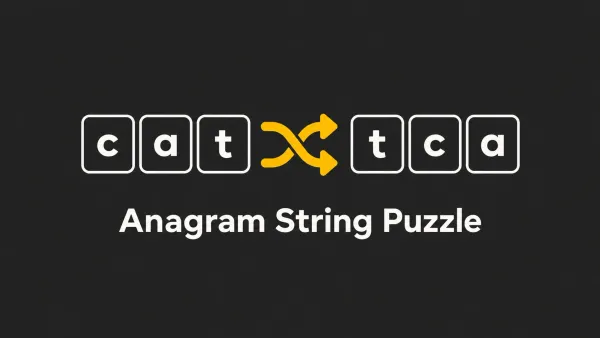
Given two strings, work out if they both have exactly the same characters in them. Example Input word, wrdo This returns true because they are the same but
What general tips do you have for golfing(tips and tricks) in C? 1. Use bitwise XOR or - minus sign to check for inequality between integers: * if(a^

This isn't rocket science. LoL Write a program or function that takes in a single-line string. You can assume it only contains printable ASCII. Print
The Windows 10 Anniversary Update introduces a new Connect app which lets users cast their Android or Windows 10 Mobile’s screen to their Windows 10 PC. Android
Type casting refers to changing an variable of one data type into another. The compiler will automatically change one type of data into another if it makes sense.
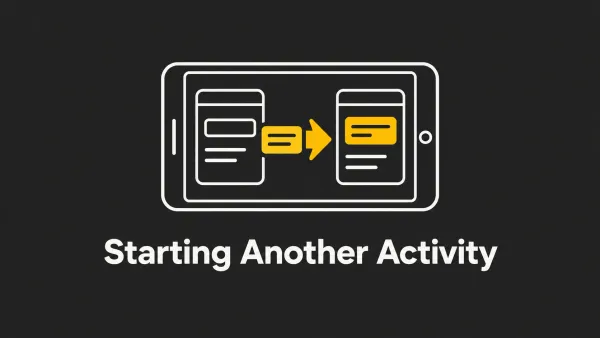
After completing the previous lesson, you have an app that shows an activity (a single screen) with a text field and a button. In this lesson, you’ll
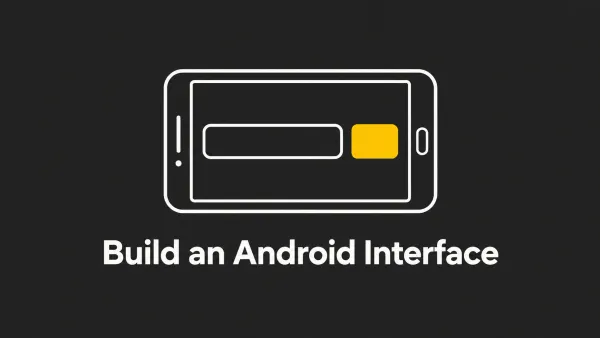
In this lesson, you create a layout in XML that includes a text field and a button. In the next lesson, your app responds when the button is
In the previous lesson, you created an Android project that displays "Hello World." You can now run the app on a real device or on an
This lesson shows you how to create a new Android project with Android Studio and describes some of the files in the project. In Android Studio, create a