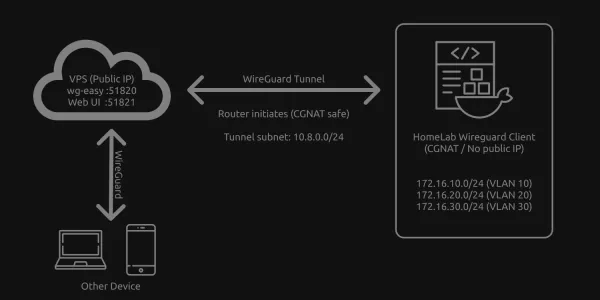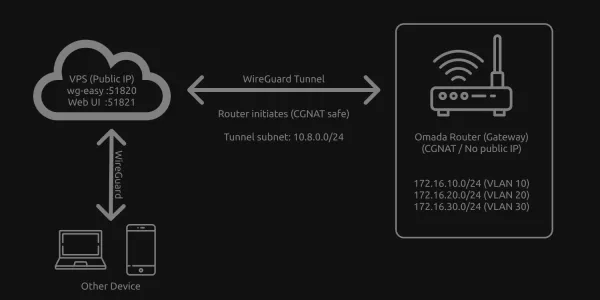

When an XPON ONU SFP stick is plugged directly into a router, internet access can work while the ONU's management page remains unreachable.
I use an XPON ONU SFP stick in a TP-Link ER8411, managed through Omada SDN. Internet worked over PPPoE using the VLAN required by my ISP, but I couldn't access the ONU management interface.
You can reach ONU management interface by adding a static Virtual WAN on the same SFP port. This gives the router an address on the ONU's local network while PPPoE continues using the VLAN required by your ISP.
Configuration
You'll need router firmware and an Omada controller version that support Virtual WAN. Keep the physical WAN configured for PPPoE with VLAN 100.
Open Site View → Network Config → Internet → Virtual WAN → Create New Virtual WAN. Depending on your controller version, Internet settings may appear under Settings → Wired Networks.
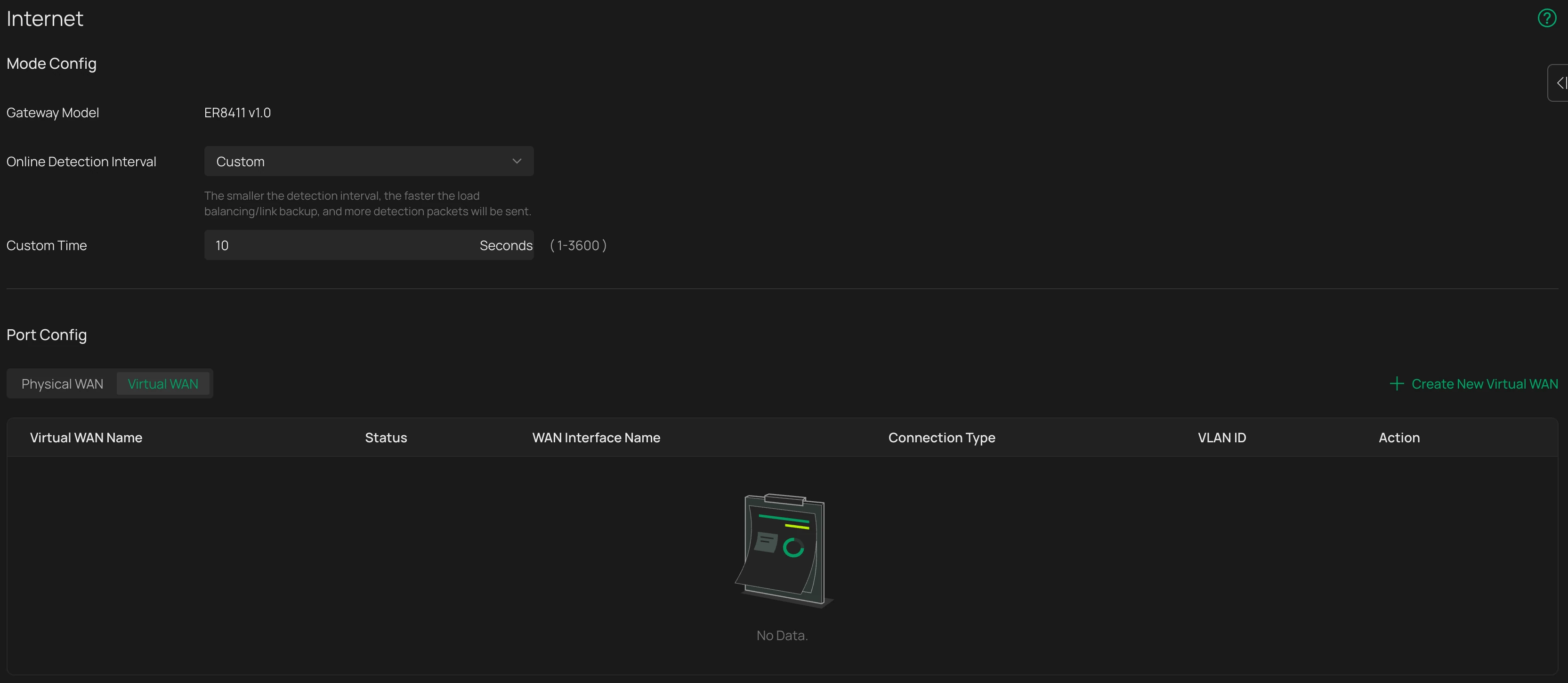
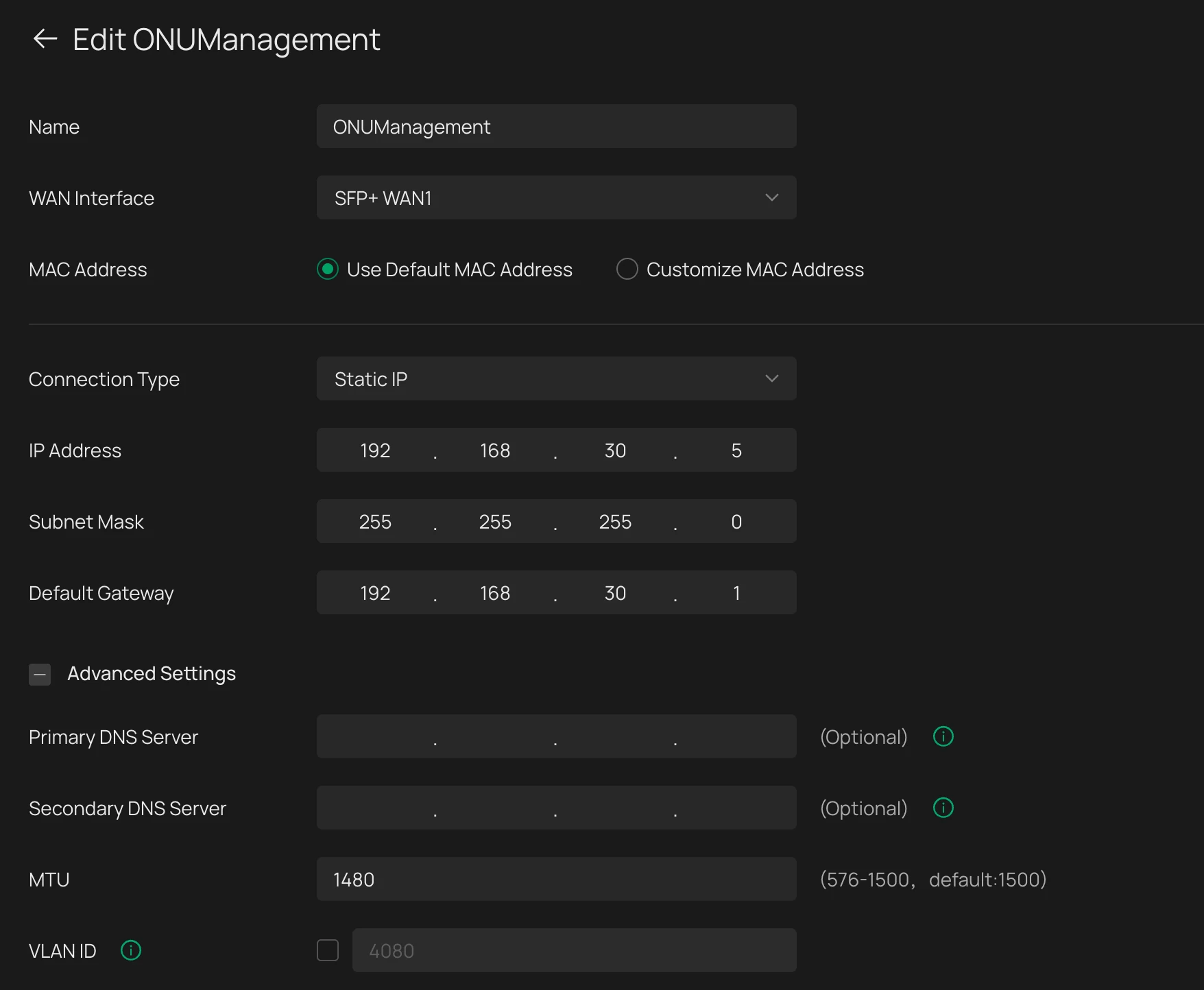
Configure the new connection:
| Setting | Value |
|---|---|
| Name | ONUManagement |
| Physical WAN | SFP port containing the ONU |
| Connection type | Static IP |
| IP address | An unused IP address in the ONU's management subnet |
| Subnet mask | The subnet mask used by the ONU's management network |
| Default gateway | The ONU's management IP address |
| MTU | 1480 |
| VLAN | Disabled |
| Load balancing weight | 0 |
The Virtual WAN IP belongs to the ER8411 and must be different from the ONU's management IP. Keep the load balancing weight at 0 so ordinary internet traffic continues through PPPoE.
After saving, open the ONU interface using: http://<ONU-management-IP>
TP-Link documents this connection setup in its Virtual WAN configuration guide.